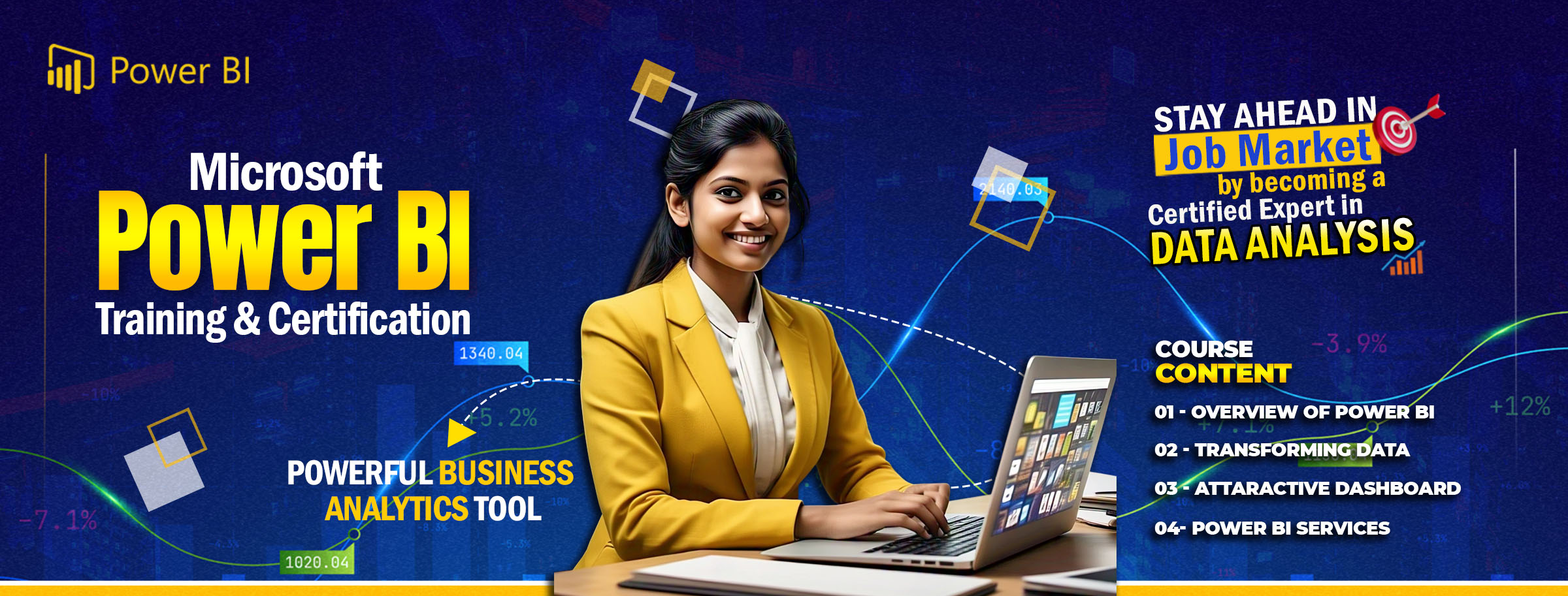
About The Course
Microsoft Power BI is a collection of software services, apps, and connectors that work together to turn your unrelated sources of data into coherent, visually immersive, and interactive insights. From data in a simple Microsoft Excel workbook, or a collection of cloud-based and on-premises hybrid data warehouses.
Power BI lets you easily connect to your data sources, clean, and model your data without affecting the underlying source, visualize (or discover) what's important, and share that with anyone or everyone you want.
Power BI is quite simply the best self-service BI platform. It is a service for data acquisition, modeling, and reporting. It is easy to learn, is in large demand by employers, and is updated regularly. Power BI is updated every month, so it is continually getting more powerful, easier to use and takes advantage of advancements in technology. This makes it a very exciting time to start using Power BI if you are seeking a job in business intelligence or data analysis. In this book, we will learn how to use Power BI effectively, and you will see how easy and fun it can be.
Course Highlights
Duration
3 Months or 36 Classes
Free Books
1 Books as Study Matireal
Examination
Online
Mode
Digital & Hard Copy
Prerequisites
Basic Computing, Advanced Excel
Detailed Syllabus
CHAPTER 1: WHY LEARN POWER BI?
Introduction
STRUCTURE
OBJECTIVES
GARTNER MAGIC QUADRANT 2022
DEMAND FOR POWER BI SKILLS
THE WORDS OF CURRENT
PROFESSIONALS
CONCLUSION
CHAPTER 2: WHAT IS POWER BI
INTRODUCTION
STRUCTURE
OBJECTIVES
POWER BI DESKTOP
POWER QUERY
MODEL THE DATA
DAX
VISUALIZATIONS
PUBLISH YOUR REPORTS
POWER BI SERVICE
WORKSPACES
DATASETS
REPORTS
APPS
POWER BI MOBILE
POWER BI MOBILE
CREATING A POWER BI ACCOUNT
CONCLUSION
CHAPTER 3: GETTING START WITH POWER BI DESKTOP
INTRODUCTION
STRUCTURE
OBJECTIVES
A FIRST LOOK AT POWER BI DESKTOP
WELCOME SCREEN
THE REPORT VIEW
THE DATA VIEW
THE MODEL VIEW
EXPLORING USEFUL OPTIONS AND SETTINGS
DATA LOAD
PREVIEW FEATURES
REGIONAL SETTINGS
OUERY REDUCTION
REPORT SETTINGS
SAVING A POWER BI DESKTOP FILE
CONCLUSION
CHAPTER 4: CREATING A SIMPLE POWER BI REPORT
INTRODUCTION
STRUCTURE
OBJECTIVES
GETTING DATA FROM THE WEB
TRANSFORMING DATA IN POWER QUERY
REMOVING COLUMNS
SPLITTING COLUMNS BY A DELIMITER
CONVERTING NEGATIVE VALUES TO POSITIVE
RENAMING STEPS
APPLYING QUERIES IN POWER BI
CREATING COLUMN CHART
EDITING EXISTING QUERIES
USING COLUMN FROM EXAMPLES
MODIFYING THE COLUMN CHART VISUAL
CHANGING THE ORDER OF X-AXIS
CREATING TABLE VISUAL
INTERACTIONS BETWEEN THE VISUALS
CONCLUSION
CHAPTER 5: CONNECT AND SHAPE
INTRODUCTION
STRUCTURE
OBJECTIVES
DATA CONNECTIONS IN POWER BI
DATA CONNECTIONS IN POWER BI
UNDERSTANDING POWER QUERY EDITOR
VERIFYING THE LOADED QUERY
LOADING CUSTOMERS AND PRODUCTS TABLES
LOADING DATA AND CATEGORY DATA FROM AN EXCEL FILE
LOADING MULTIPLE CSV FILES FROM A FOLDER
LOADING DATA FROM MS SQL SERVER
CREATING STATIC TABLE IN POWER BI
CONNECTING TO WEB DATA SOURCE
CONNECTING AND LOADING THE FROM AZURE SQL
MORE ON QUERY EDITOR
PROBLEM WITH THE PRECEDING DATA
SPLIT COLUMNS BY DELIMITER
GROUP BY IN QUERY EDITOR
CONCLUSION
CHAPTER 6: DATA OPTIONS
GETTING START WITH IMPORTING DATA OPTIONS
IMPORTING DATA
EXCEL AS A SOURCE
DIRECT QUERY
LIMITATIONS
SUMMARY
DATA TRANSFORMATION STRATEGIES
THE POWER QUERY EDITOR
TRANSFORM BASICS
ADD COLUMN FROM EXAMPLES
CONDITIONAL COLUMNS
UNPIVOT
MERGING QUERIES
BUILDING THE DATA MODEL
BUILDING RELATIONSHIPS
DEFAULT SUMMARIZATION
DATA CATEGORIZATION
CREATING HIERARCHIES
LEVERAGING DAX
Career Opportunity
Power BI, Microsoft's interactive data visualization and business intelligence tool, has seen significant adoption across various industries in India. This trend has led to a substantial increase in career opportunities for professionals skilled in Power BI.
Current Job Market:
As of March 2025, numerous job portals list thousands of Power BI-related positions in India:
- Naukri.com: Over 33,500 job vacancies.
- LinkedIn: More than 12,000 job listings.
- Indeed: Approximately 6,000 job openings.
Roles and Responsibilities:
Professionals with Power BI expertise can explore various roles, including:
- Power BI Developer: Designing, developing, and maintaining interactive dashboards and reports.
- Data Analyst: Analyzing data to derive actionable insights and support business decisions.
- Business Intelligence Specialist: Implementing BI solutions to enhance organizational performance.
Top Hiring Companies:
- Accenture
- Deloitte
- Cognizant
- Wipro
- HCL Technologies
Conclusion:
The demand for Power BI professionals in India is robust and continues to grow, offering diverse opportunities across various industries. Developing expertise in Power BI can significantly enhance your career prospects in the evolving field of data analytics and business intelligence.
See Our Books